System
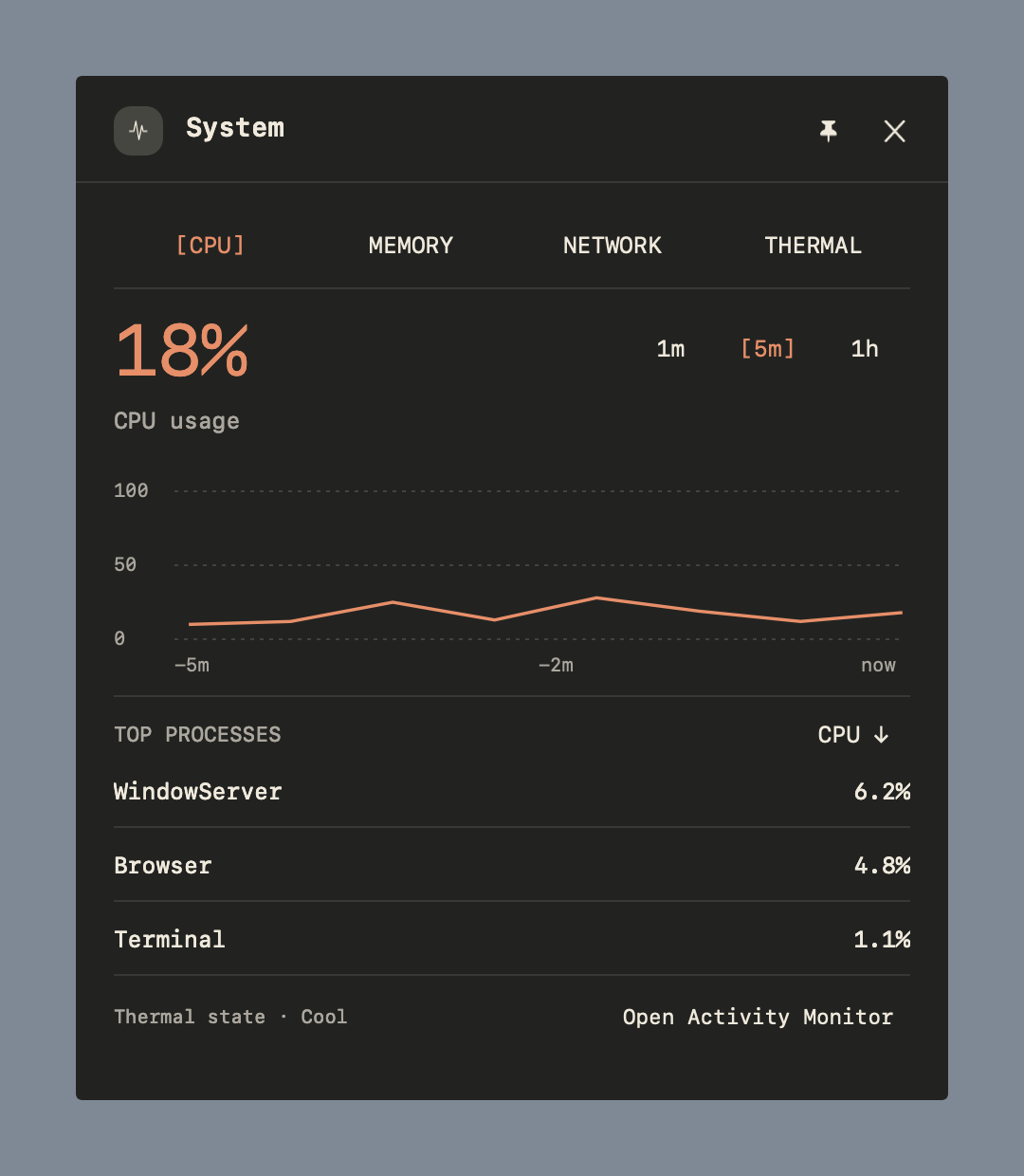
Choose CPU, memory, network and thermal readings in one widget.
Switch workspaces, see your next meeting and change the music. Put the widgets you use where you want them, on each display.
Explore the barmacOS 14+ · Swift & AppKit · Open source
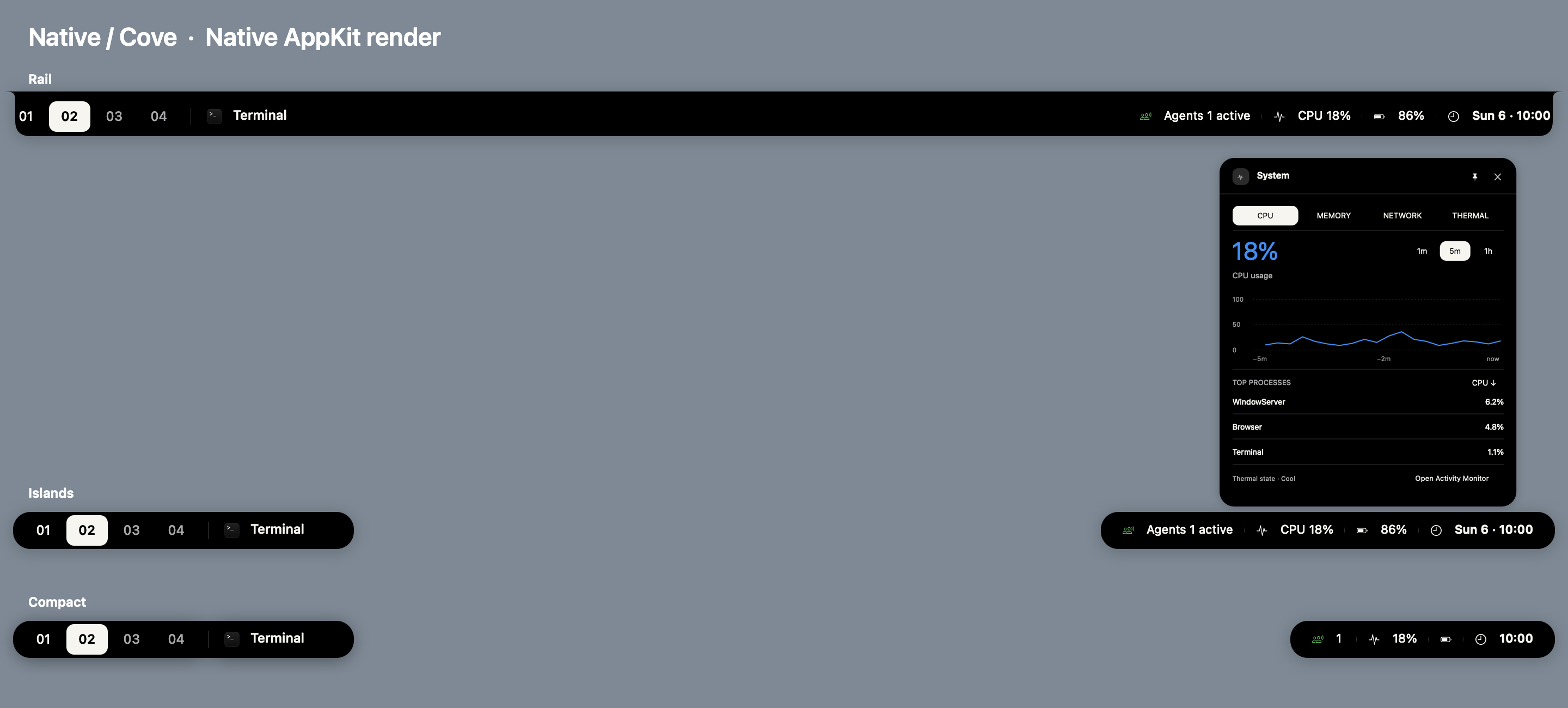
This page previews the current source, including the new theme browser and diagnostics. The download below is the published 0.7.1 alpha; some changes shown here are still in development. Browse the source
Hover to open a panel. Click to pin it while you work, then close it when you’re done.
Choose which CPU, memory, network and thermal readings appear in the bar. Open System for charts, process details and thermal pressure.
Native has three colors: macOS, Cove and Porcelain. Typeset has eight color schemes and 28 variations. Every theme works with all three layouts. Your selection also changes this page’s colors and type.
A black rail with macOS blue highlights. Its optional desktop corners have an adjustable radius.
Current source preview · Sample data · macOS materials use an opaque render fallback.

Centered widgets on a wide display · Sample data
Connect AeroSpace to switch workspaces, focus application windows and browse application cards. Standalone mode shows your active app and widgets. Workspace previews don’t need Screen Recording access.
Choose a display’s layout, theme, widget positions and workspace buttons. Put music or a clock in the center of a wide screen. Export your configuration to keep a copy.
The current source includes live provider diagnostics, sample times and shortcuts to settings. It also adds startup registration repair and a GitHub update check with verified downloads.
Calendar and Reminders request access from their setup buttons. Apple Music asks for Automation access when needed. macOS Now Playing needs no browser extension. Weather sends your configured coordinates to Open-Meteo when enabled.
Download the ZIP, extract it and move ConstellationBar.app to Applications. The published build is Developer ID signed and notarized by Apple.
Download for Mac0.7.1 release notes & checksums
The screenshots above show newer source changes. Check the release notes for what’s included in this download.